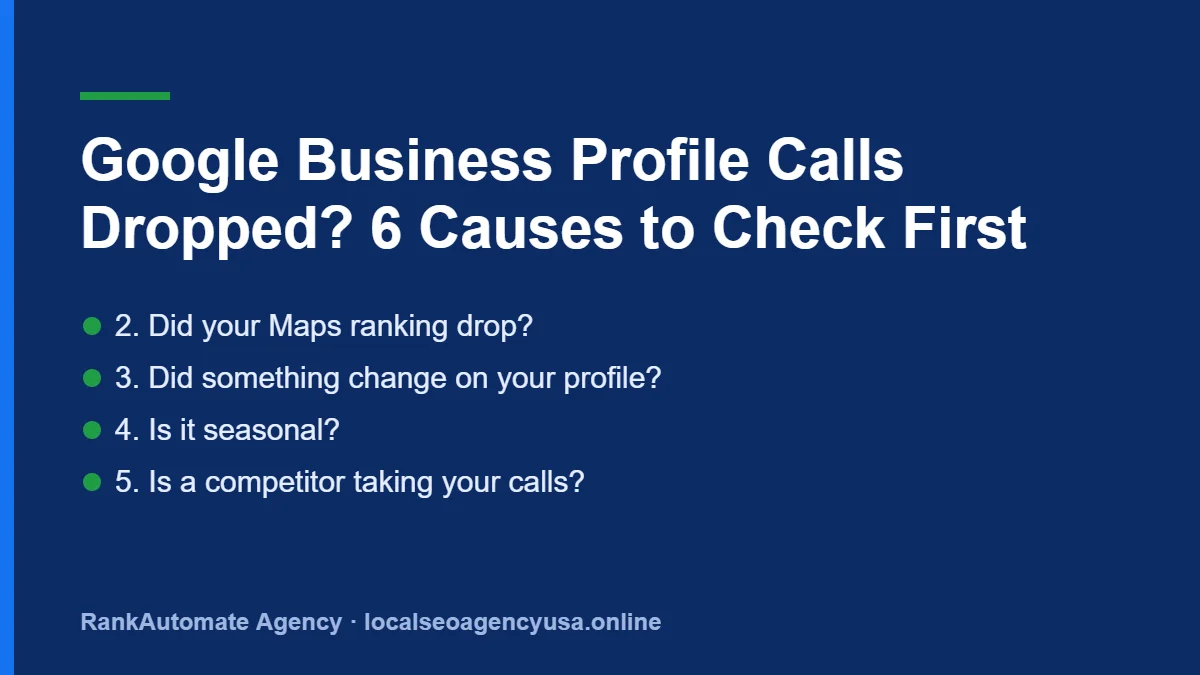
Google Business Profile Calls Dropped? 6 Causes to Check First
When GBP calls dropped suddenly on your Google Business Profile, the cause is usually one of a few things you can check.
Your Google Business Profile showed steady calls, and now the number has fallen off a cliff. Before you panic or change anything, find out whether the calls really dropped or only the report did. These are the causes we check, in order.
Why did my Google Business Profile calls drop?
Usually one of six things: a reporting delay or glitch, a ranking drop, a profile change or suspension, seasonal demand, a competitor gaining ground, or calls going somewhere else, like your website or an ad. The first step is always to compare the GBP number with your real phone records.
1. Is it a reporting problem, not a real drop?
GBP performance data often runs a few days behind, and owners on local SEO forums have reported call counts suddenly showing zero across many profiles at once while their phones still rang. Check your phone system or call-tracking log. If real calls are steady, it is a reporting issue. Wait and recheck in a week.
2. Did your Maps ranking drop?
Search for your main service from a few spots in your service area, or use a local rank grid. If you have fallen out of the top three, calls drop fast. Our guide on why a competitor ranks higher covers the usual reasons.
3. Did something change on your profile?
- Hours changed, or the profile shows closed.
- Phone number changed by Google or a suggested edit.
- Primary category changed.
- Profile suspended or under review.
Check the profile in your dashboard and as a customer would see it. See Google changed my business info.
4. Is it seasonal?
Many home services swing with the weather. AC calls fall in autumn, furnace calls rise in winter, roofing jumps after storms. Compare with the same month last year, not last month.
5. Is a competitor taking your calls?
New competitors, a rival’s review surge, or spam listings with keyword-stuffed names can push you down. Spam can be reported. See how to report fake listings.
6. Are calls just coming from somewhere else?
If more customers now click to your website and call from there, GBP calls fall while total calls stay the same. Track every source together. Our guide to tracking local SEO leads shows how.
What should I do first?
- Compare GBP calls with your actual phone log.
- Check your profile for changes or warnings.
- Check rankings in your main service area.
- Compare with the same period last year.
- Only then change anything.
Want us to find the cause for you? Get a free Local SEO audit, or see our GBP optimization service.
GBP Calls Dropped: Causes to Check
Common causes and what to check.
| Cause | How to check |
|---|---|
| Ranking loss | Track map rankings with a grid |
| Profile edits by Google | Check for unapproved updates |
| Seasonality | Compare the same month last year |
| Wrong phone number | Check the profile and citations |
| New competitors | Look at who now ranks above you |
FAQs
How far behind is Google Business Profile performance data?
Performance data is often a few days behind, so very recent days can look low until the numbers catch up.
Does GBP count every call from my profile?
GBP counts call button taps from your profile, not completed calls, so compare it with your real phone records.
Should I change my profile when calls drop?
Not until you know the cause. Changing several things at once can make the problem harder to find.
Source: Google, Tips to improve your local ranking on Google, Google Business Profile Help.

Written by Faisal Zahoor, founder of RankAutomate Agency (Semrush Academy certified in Local SEO). Read our editorial policy.